 PicLoom
Collages & free-form layouts
Breakfast, flowers, a cat, and a lake. Put four differently shaped photos into one frame for a weekend album.
View on the App Store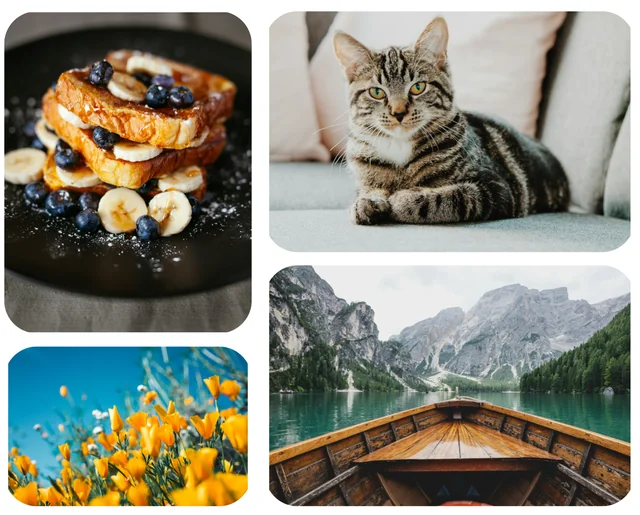
Find a frame for each photo.
Choose photos and a template, then adjust the canvas ratio, spacing and background. Move a divider to give the lead photo more space.
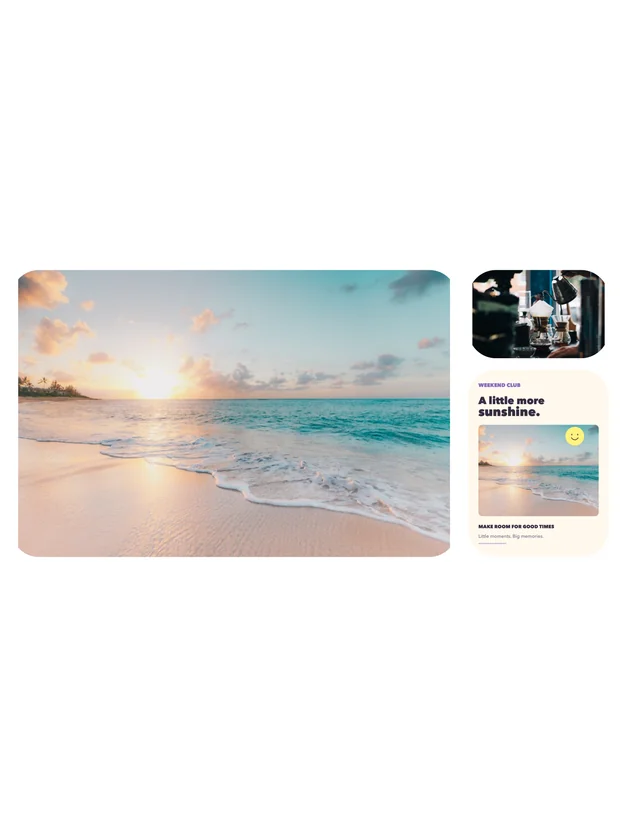
Build out a larger composition.
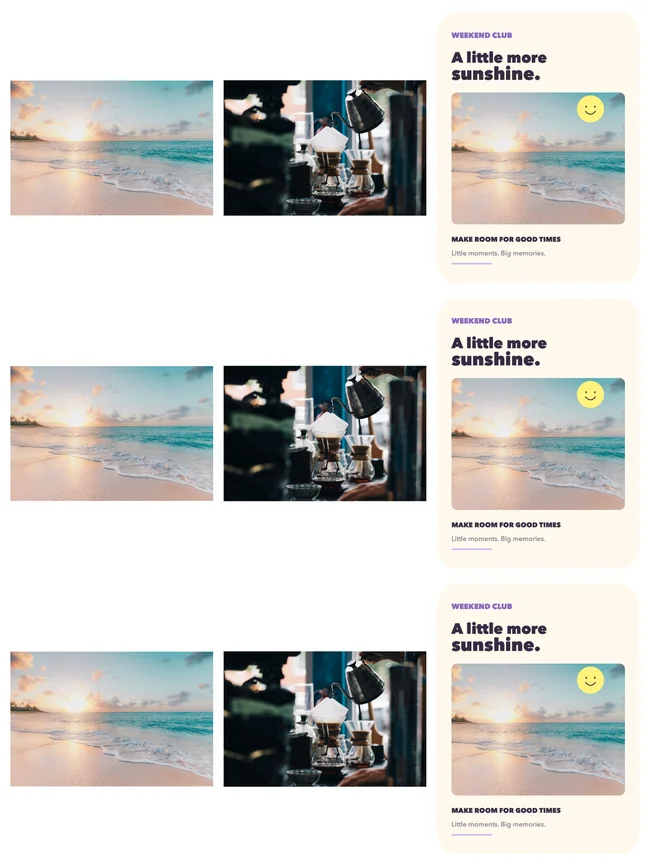
Place more images on the same canvas and arrange the order in which they are read. Here, beach, coffee and postcard images form three rows that export as one image.
Take the studio with you.
One purchase unlocks all tools. Export images, GIFs and Live Photos without daily limits or added app branding.