 PicLoom
GIFs & Live Photos
Make a GIF from a video or Live Photo, pair a still with a clip, or let several Live Photos play together in a single layout.
View on the App StorePick a moment for a GIF.
Import video or Live Photos, choose the duration, speed and layout, and export a silent loop. Set clips side by side to play them in the same frame. Open a GIF exported by PicLoom

A still image plus a video.
Select a photo and a video in the Live Photo maker. The photo becomes the still cover and the clip supplies the motion. Save the pair to Photos. The player shows the video component of an exported Live Photo.
Bring Live Photos into the same frame.
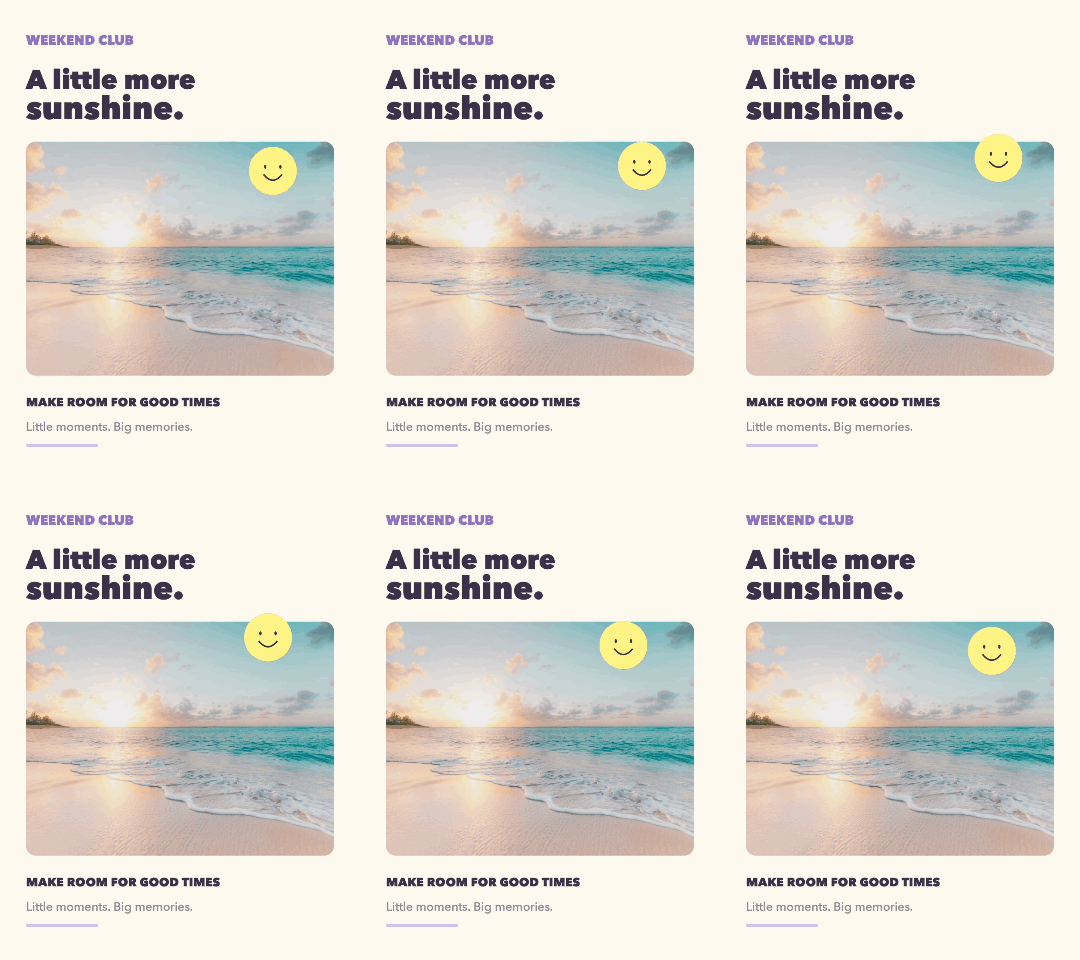
Select multiple Live Photos and compose them into a single Live Photo collage. The two-panel postcard at the top is an actual export, with motion in each panel.
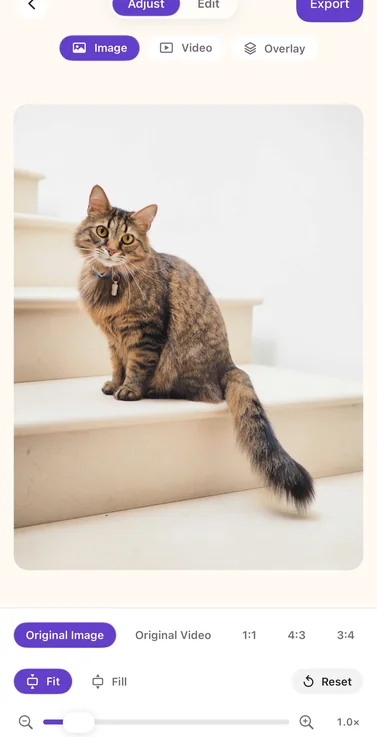
Take the studio with you.
One purchase unlocks all tools. Export images, GIFs and Live Photos without daily limits or added app branding.