 PicLoom
Pixels, stickers & cats
Turn a cat photo into a grid of colorful beads. Switch between the photo and the effect, then explore text, stickers and cat icons.
View on the App StoreFrom pixel blocks to tiny beads.
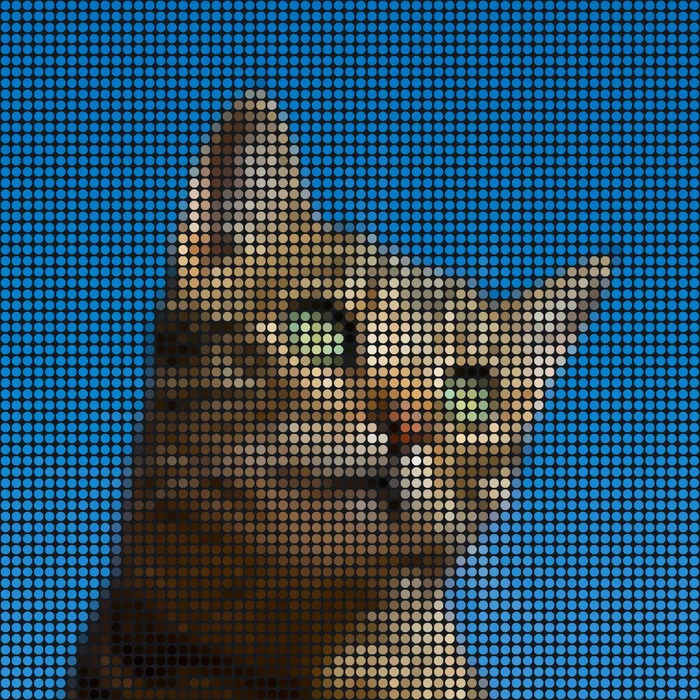
Choose square blocks, beads or a limited palette in the pixel tool, then set the grain. The cat above uses the bead effect; this detail shows the actual rendered texture.
Give a picture a little character.
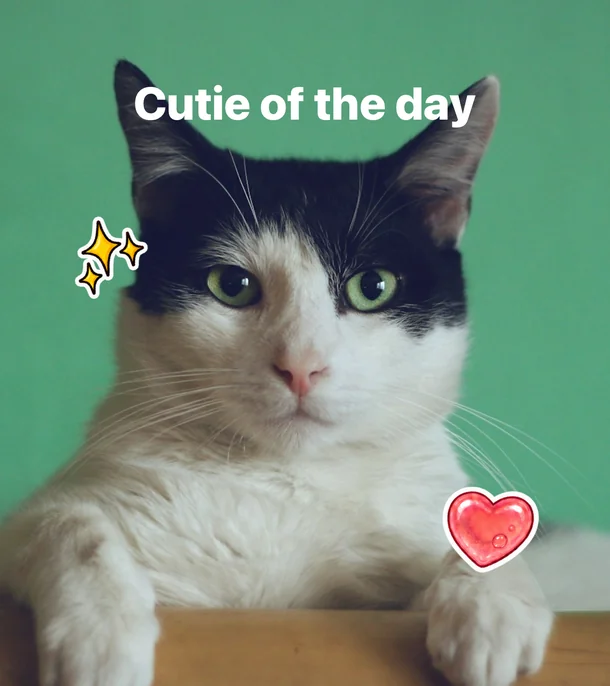
Place a caption over the photo and add stickers such as stars and hearts. The text and decorations appear together in the finished image.
Choose a cat for your Home Screen.
Open the app icon settings and choose an orange, tuxedo, gray, calico, white or Siamese cat. These six designs come directly from PicLoom.






Take the studio with you.
One purchase unlocks all tools. Export images, GIFs and Live Photos without daily limits or added app branding.