 PicLoom
Light, color & portraits
Start with a sunset. Switch between the source and the edit to see how a color grade changes the same shoreline.
View on the App StoreGo beyond a single filter.
Start with exposure, correct a color cast with white balance, then tune vibrance. The comparison above uses the beach source and the image exported by PicLoom.
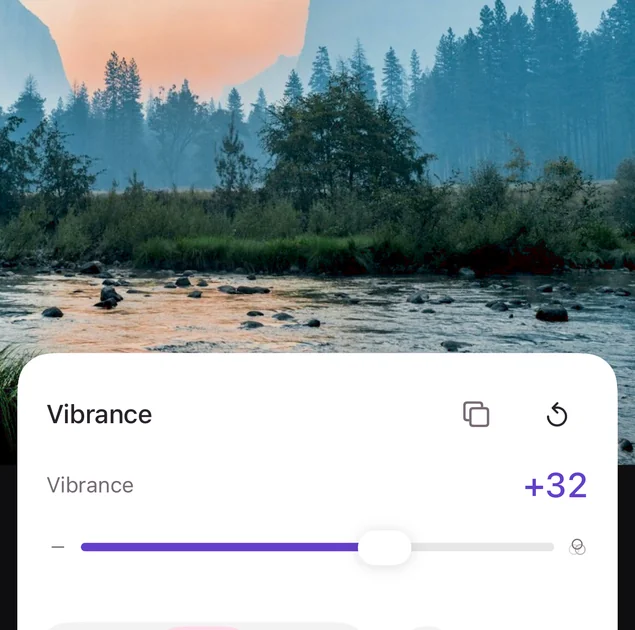
Retouch a portrait at your own pace.
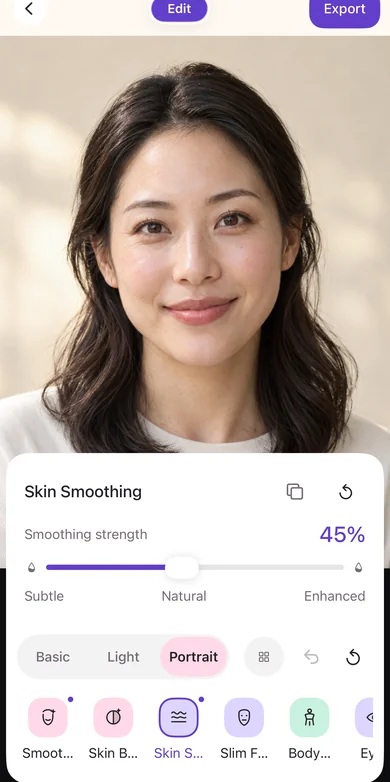
Choose a still portrait, let the editor find the face, then adjust smoothing or shape. Even lighting and a clear face help detection. Check nearby background lines as you reshape. The example uses a fictional adult portrait.

Finish the frame by hand.
Tighten the composition with a crop, draw a mark or mask a detail with mosaic. Add your own text, sticker or watermark before sharing. These samples are actual exports.




Take the studio with you.
One purchase unlocks all tools. Export images, GIFs and Live Photos without daily limits or added app branding.