 PicLoom
Long screenshots
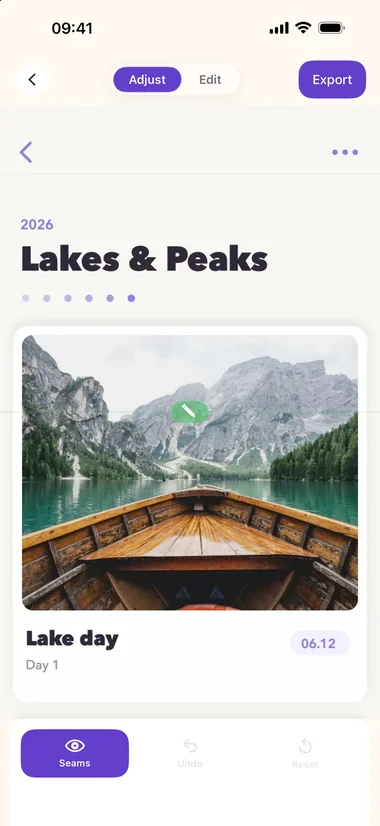
Scroll a travel album from top to bottom. The left strip shows three moments from the recording. Scroll the exported image on the right to see the complete page.
View on the App StoreSource frames 00:02
 00:07
 00:12
00:0200:0700:12Stitched image
Record the page you want to keep.
Start iOS Screen Recording and scroll steadily in one direction. Finish recording, then select it in the Long Screenshots workspace. This 16-second demo scrolls through six travel photos.
Review the joins, then export.
Inspect the overlap in the stitching preview. Adjust a seam if a detail repeats or a join breaks, then save. The example exported at 828 × 5919 pixels. Open the full-resolution image

Take the studio with you.
One purchase unlocks all tools. Export images, GIFs and Live Photos without daily limits or added app branding.